
Your templates.
A new home.
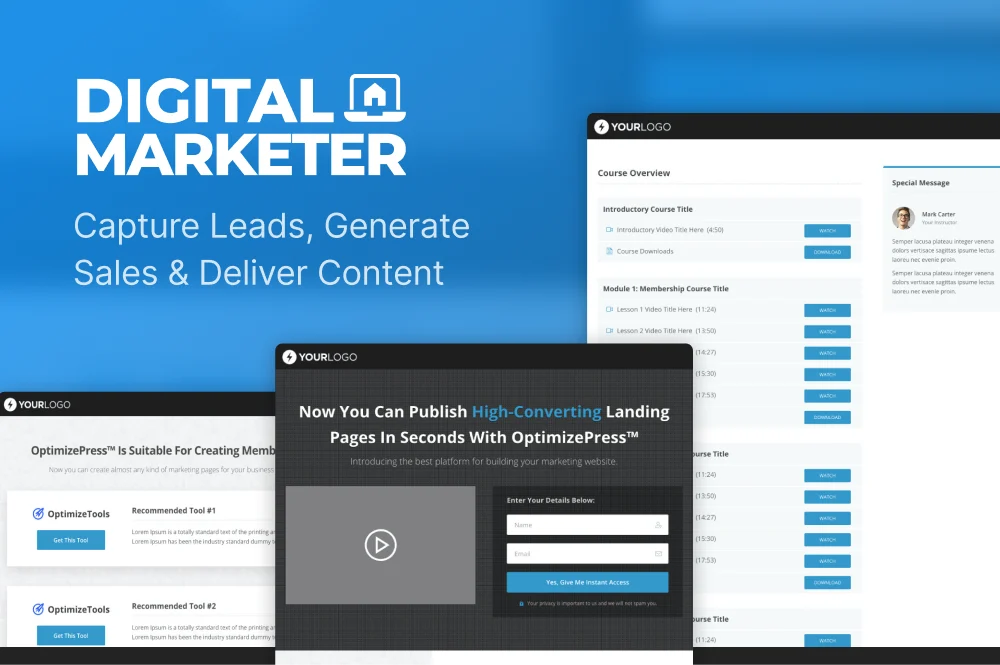
The OptimizePress Marketplace is now inside your template library. Find your next design right where you build.
Find your templates








Less searching.
More creating.
You’ll find Marketplace templates in OptimizePress on your own WordPress website. Here’s how to get there.
Your template library lives on the website where you have OptimizePress installed.
Log in to your WordPress website
Open the dashboard of the site where you use OptimizePress.
Open OptimizePress
Select OptimizePress in the left-hand menu.
Choose Create New Page
This opens your OptimizePress template library.
Select the Marketplace tab
Browse the collections and choose a template for your next page.
A little more clarity.
What happened to the Marketplace website?
The Marketplace has moved into the OptimizePress template library. This website now helps you find it, so you can browse templates from within OptimizePress on your WordPress site.
Is my OptimizePress account the same as my WordPress login?
They are separate. Your OptimizePress account is where you manage your licence, downloads and training. To find templates, log in to your own WordPress website and follow the instructions above.
Need a hand finding your templates?
Visit the OptimizePress Help Center for guidance and support with accessing the template library.